6
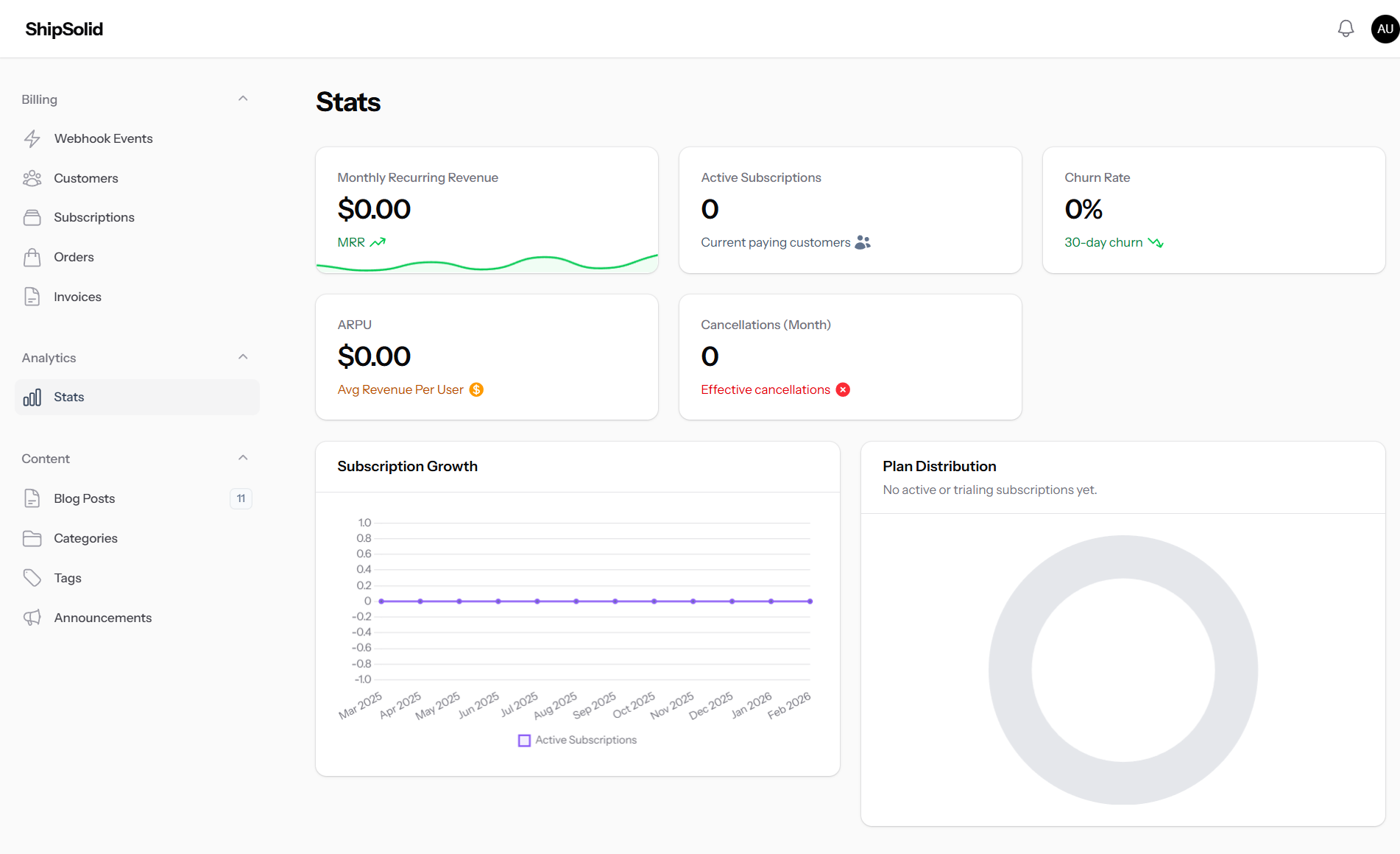
Verified workflow previews
All screenshots shown are captured from this starter.
Authentication, billing, admin operations, and growth pages are already integrated so your team can focus on product strategy, not plumbing.
Architecture
Domain-driven + modular
Billing
Stripe and Paddle ready
Admin UX
Filament-powered control center
Proof Layer
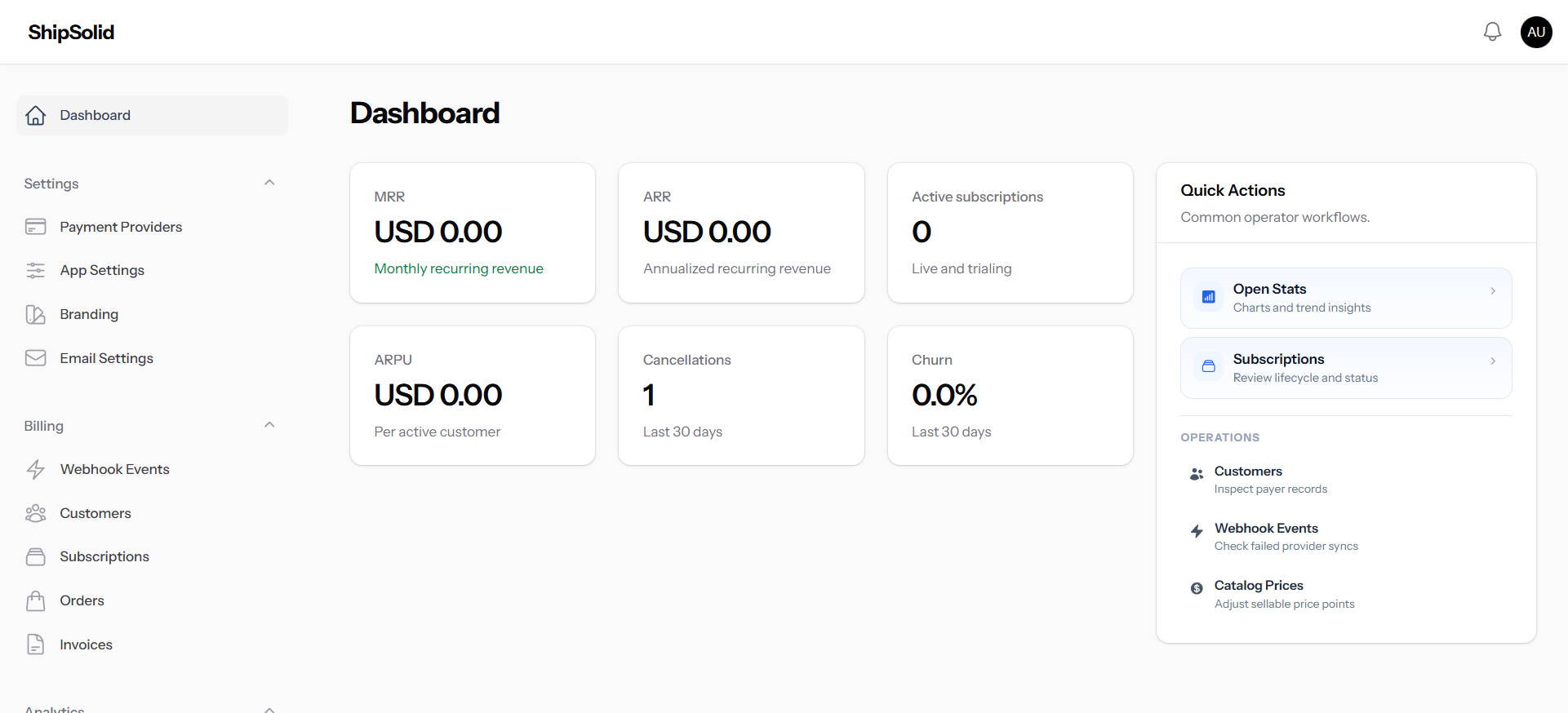
A strong SaaS landing page should prove execution quality quickly. These previews are pulled from working authentication, checkout, billing, and admin screens.
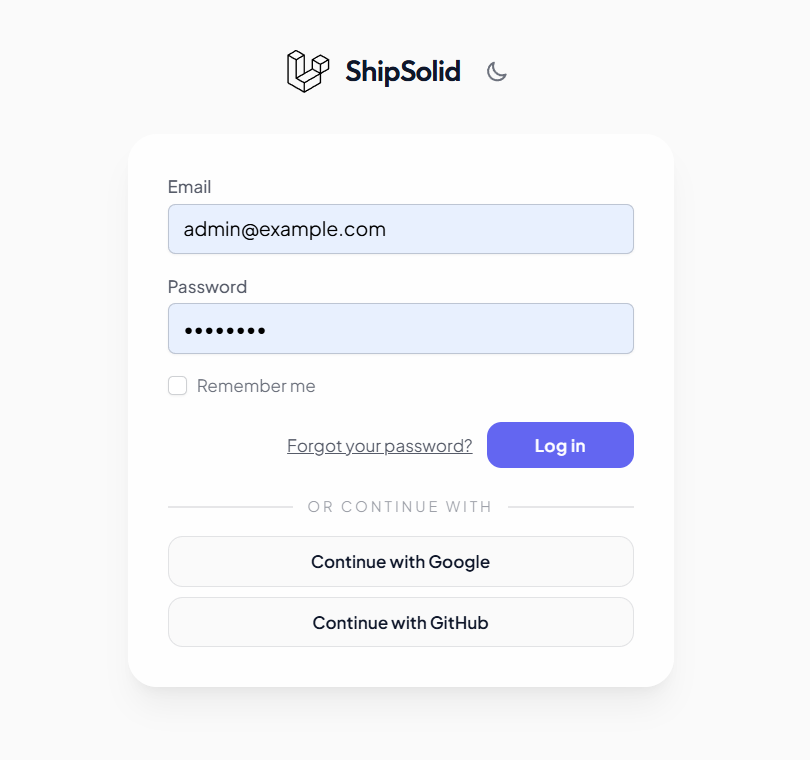
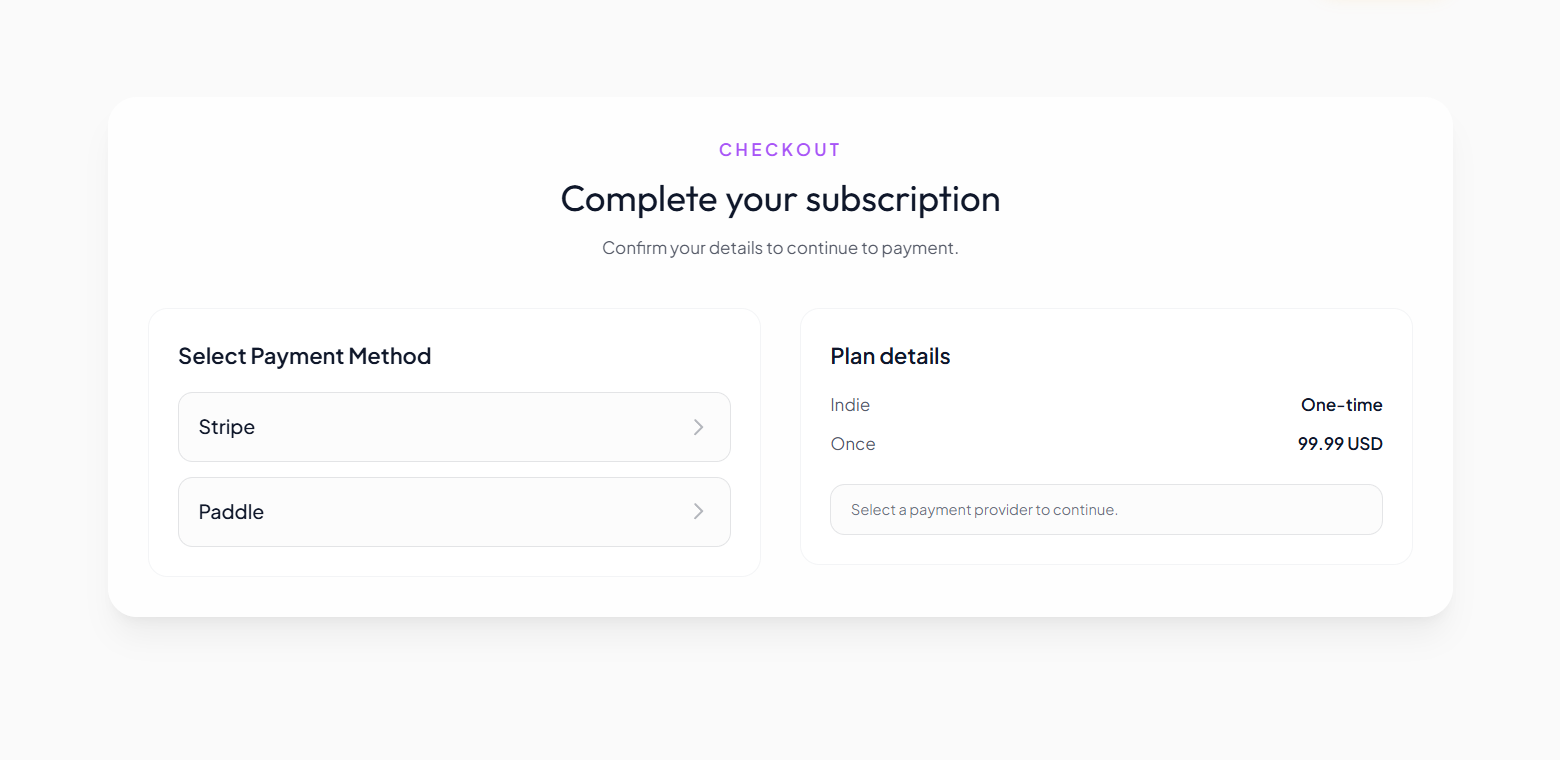
Each card links to its full screenshot for inspection.
6
Verified workflow previews
All screenshots shown are captured from this starter.
2
Billing providers built-in
Stripe and Paddle flows are already wired.
1
Unified stack
Marketing, app, and admin live in one codebase.
SEO Solution Pages
These pages target specific implementation intents and route traffic into pricing, docs, and feature workflows through focused content clusters.
Dual-provider checkout, subscriptions, invoicing, and billing lifecycle operations.
Visit pageUser governance, catalog management, and day-to-day operations in one admin panel.
Visit pageEditorial workflow with metadata controls, sitemap, RSS, and Open Graph support.
Visit pageActivation flow, social login, onboarding routes, and locale-aware UX surfaces.
Visit pageLaunch Flow
Switch between steps to inspect details in a larger proof view instead of tiny screenshot grids.
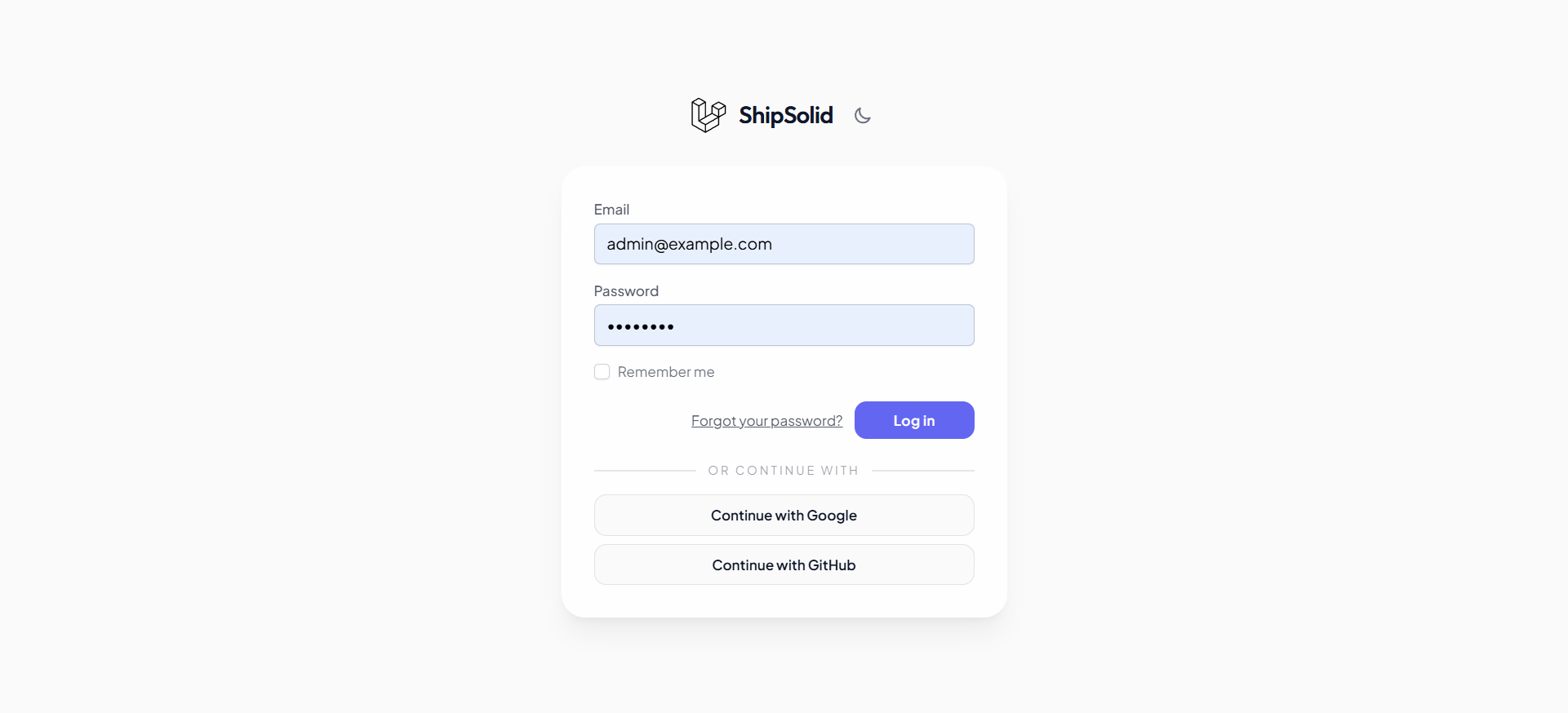
Improves top-of-funnel activation for SaaS onboarding.
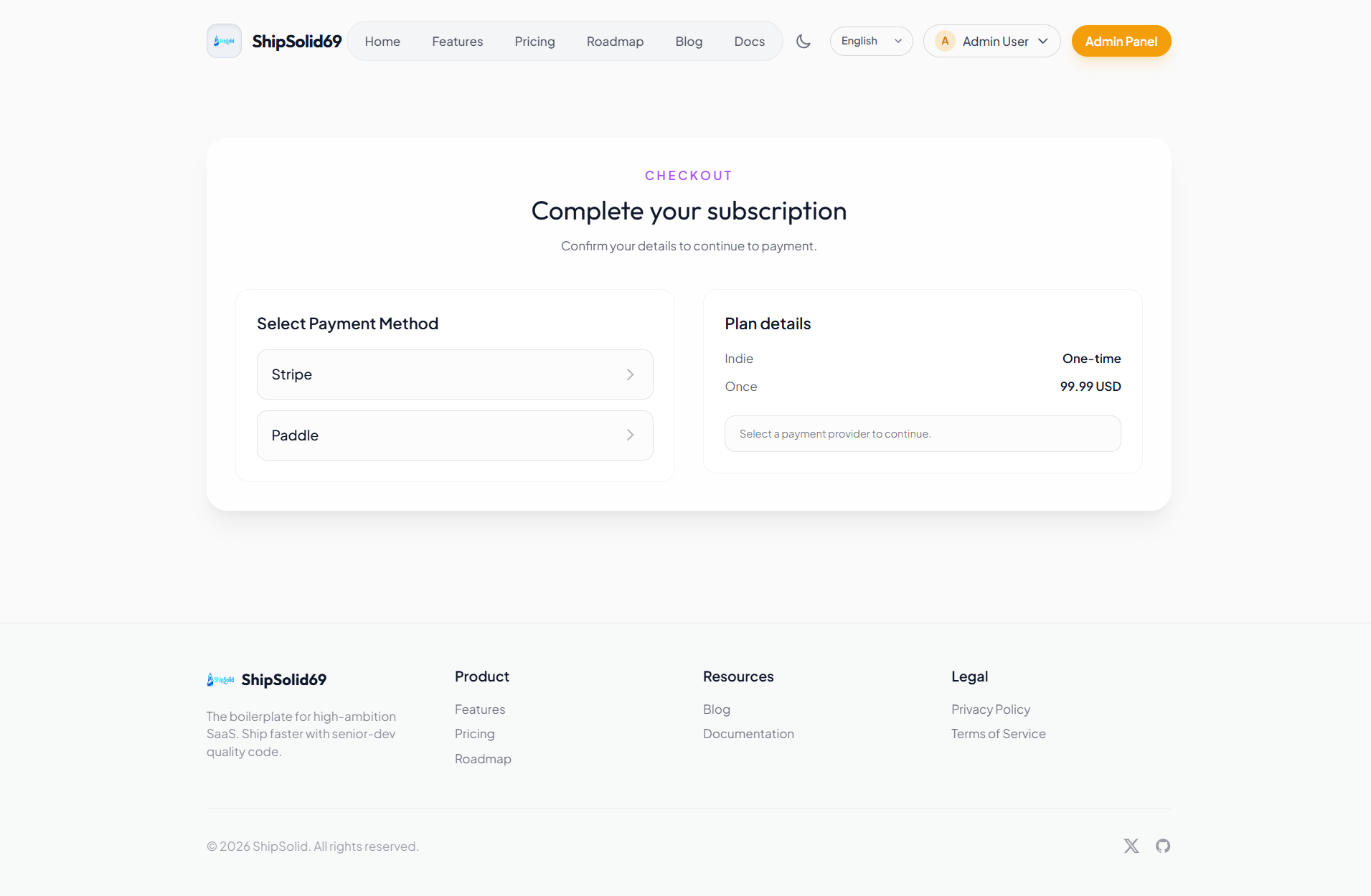
Supports multi-provider billing without split implementations.
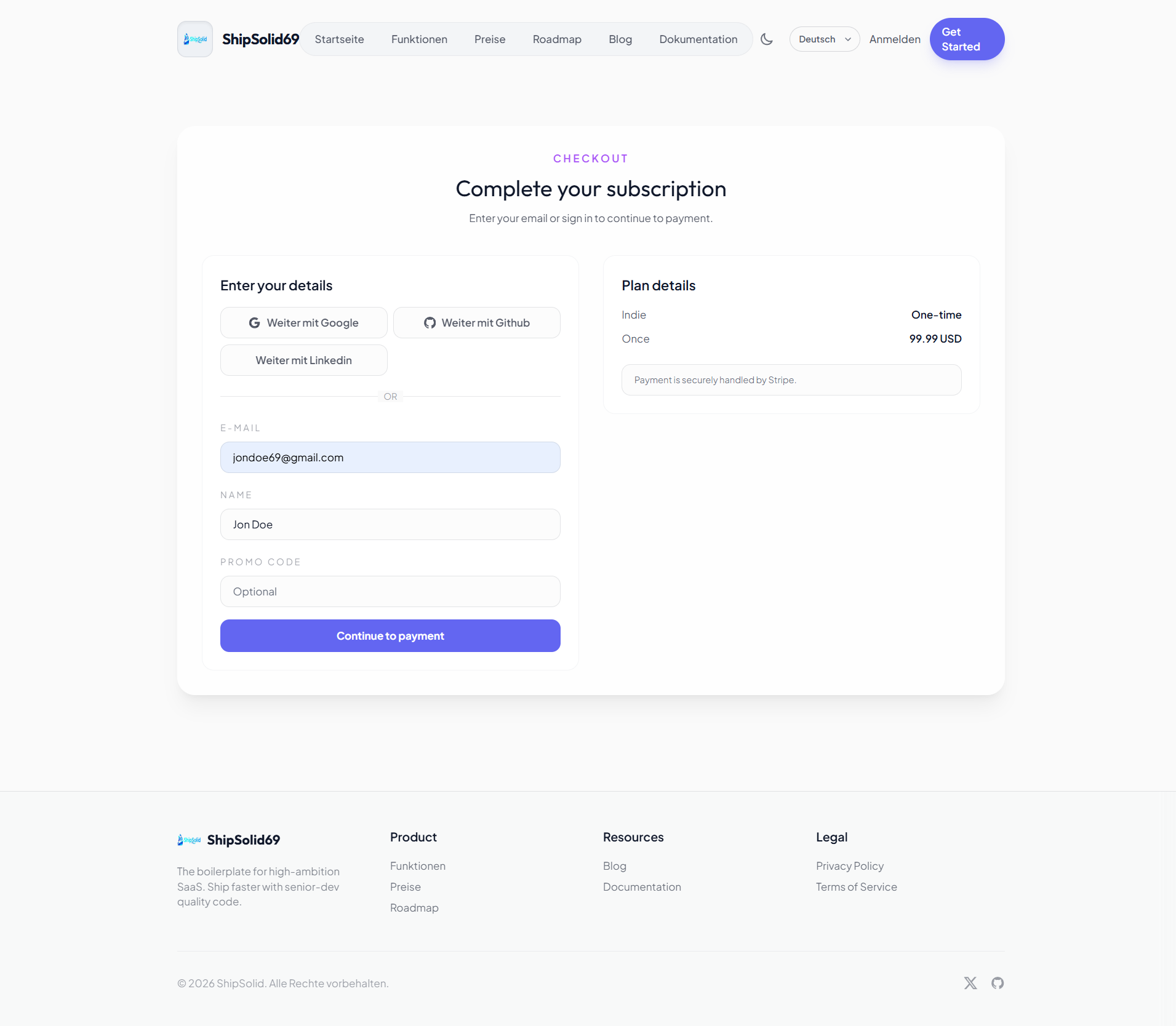
Structured checkout UX improves paid conversion quality.
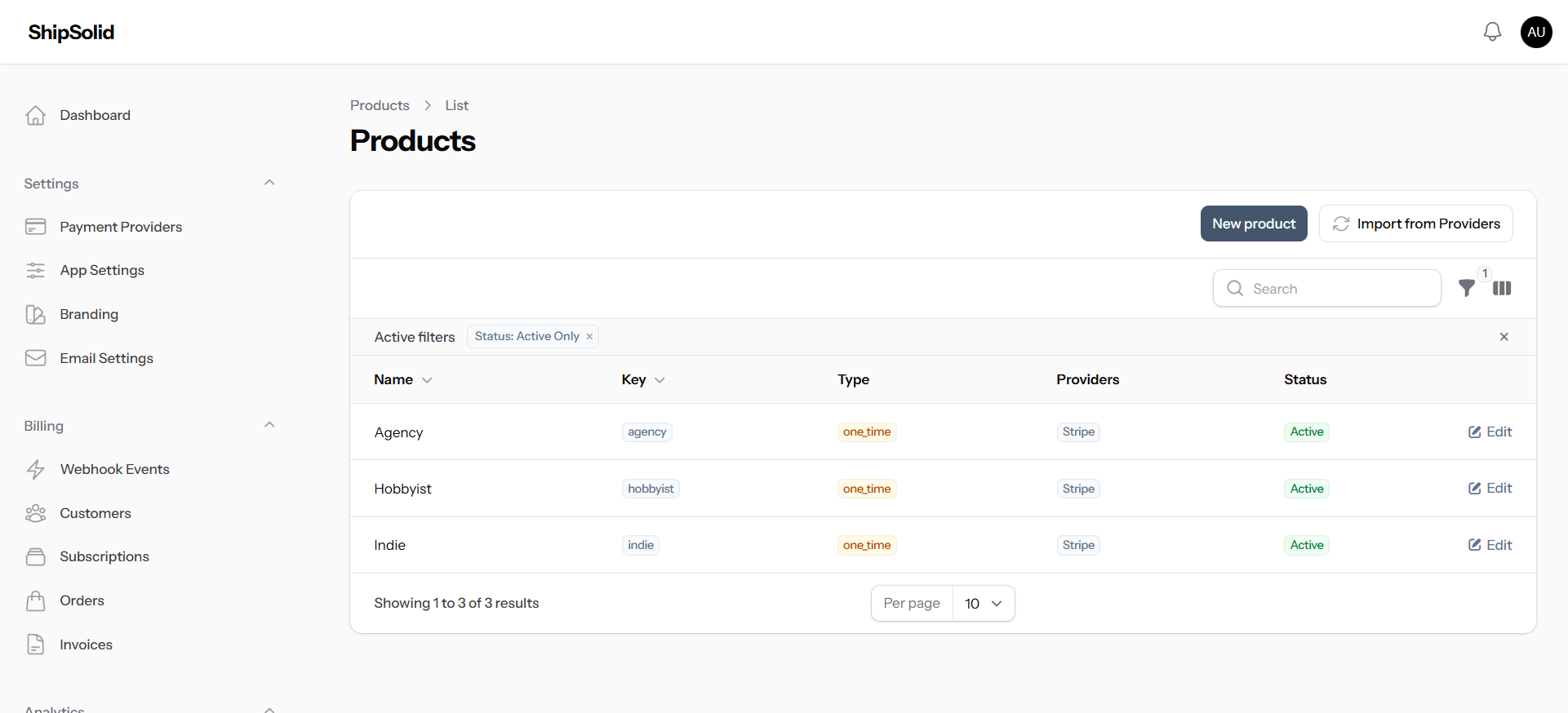
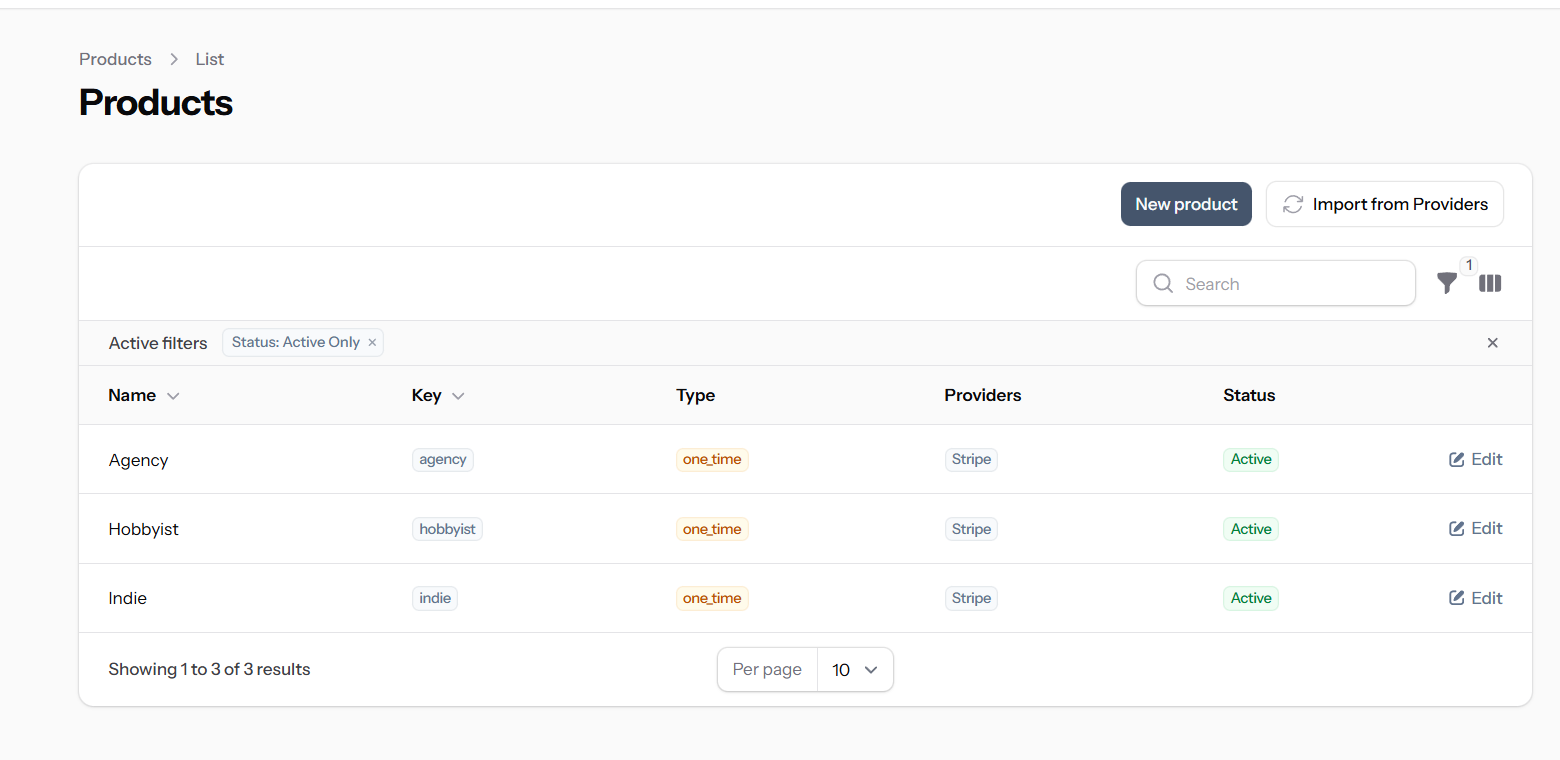
Keeps pricing and catalog governance centralized for teams.
Post-Launch Operations
After customers start paying, growth depends on execution quality. This starter keeps user operations and content publishing inside one system so your team can ship updates and support users without tool fragmentation.
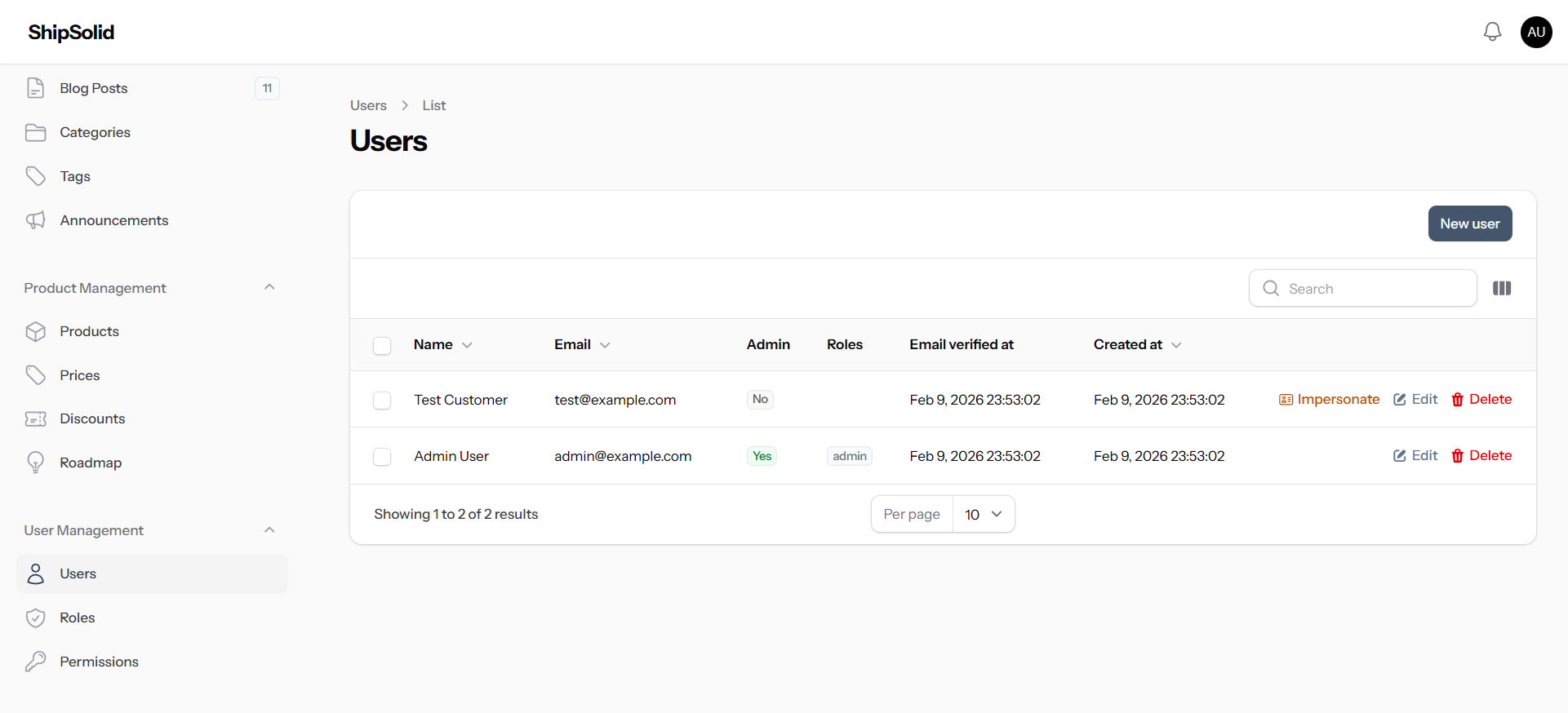
User verification, role context, and account actions stay in one operational surface so support resolution remains fast.
Write updates and educational content without moving to a separate CMS, which reduces context-switching across teams.
Billing, users, and editorial flows share consistent UI patterns, which improves onboarding and lowers operational mistakes.
Blog publishing pipeline
See public blog ->Compose with structure
Start with title, excerpt, and rich body content in the built-in editor.
Set slug and taxonomy
Refine URL slug and assign category/tags, including create-on-the-fly options.
Attach visual context
Upload a featured image with a 16:9 crop for consistent listings and share previews.
Control publish timing
Keep as draft, publish immediately, or schedule with a specific publish date.
Tune for SEO
Set SEO title and meta description before publishing for better search visibility.
Manage in one table
Track status, category, date, and read-time signals directly in the posts index.
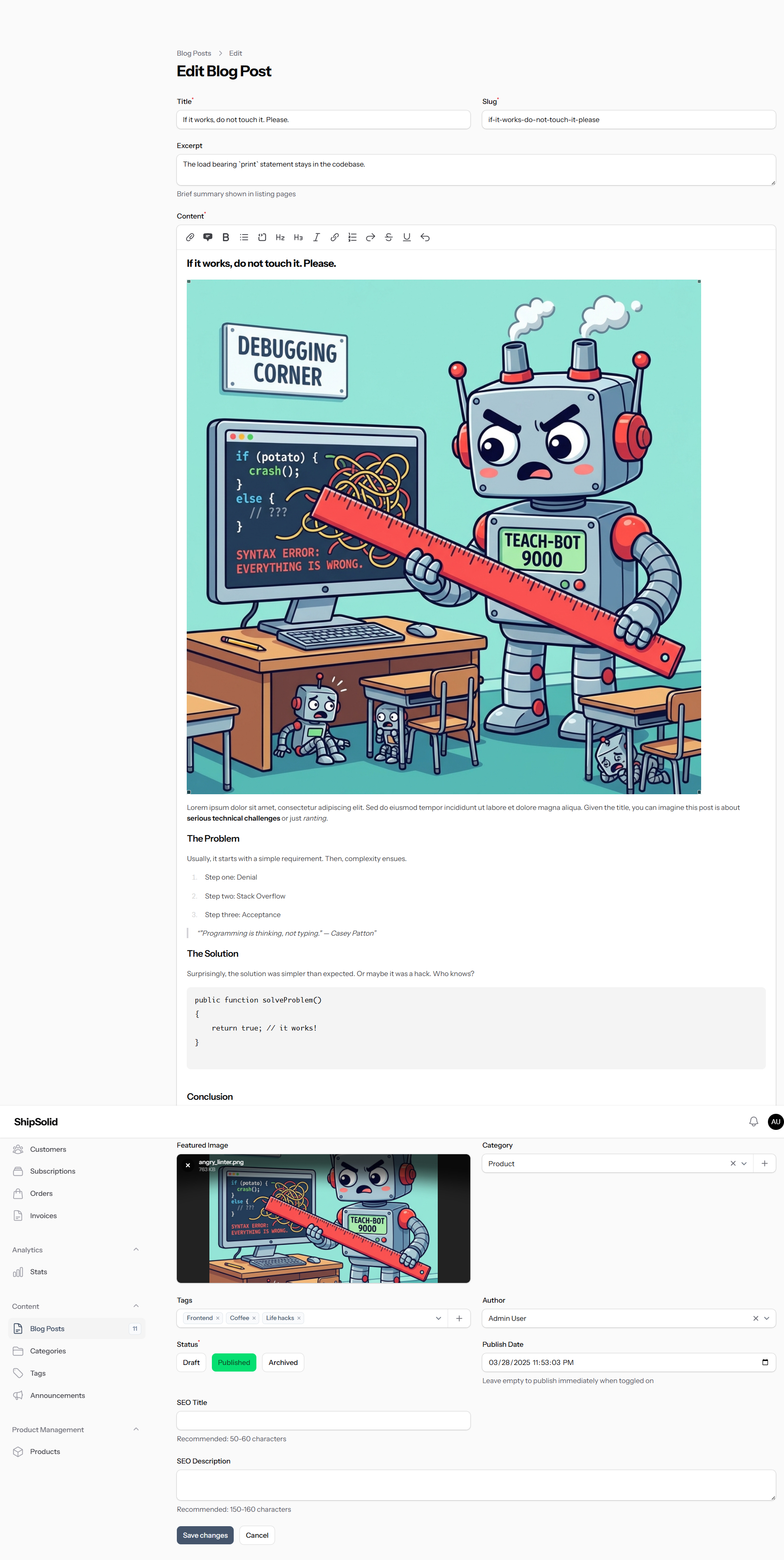
Create long-form posts with structured metadata, media handling, status control, and SEO fields in the same content workflow.
Support workflow
Review accounts, roles, verification state, and support actions from one operational view so your team can resolve customer requests quickly.
Step 01
Set branding, providers, products, and pricing in minutes.
Step 02
Guide users through login and checkout with structured, confidence-building flows.
Step 03
Manage customers, content, and billing operations from one control center.
Decision Clarity
The biggest design and engineering advantage is coherence: one system from acquisition to billing operations, instead of disconnected surfaces assembled under deadline pressure.
Checkout delivery
Manual integration, fragmented provider logic, and custom edge-case handling.
Operations
Product, user, and content tooling assembled from multiple plugins over time.
Marketing readiness
SEO and proof sections are often postponed until after launch pressure.
Checkout delivery
Provider-aware checkout, plan context, and conversion-focused payment handoff already designed.
Operations
Catalog, user administration, and editorial workflows ship with one coherent admin workspace.
Marketing readiness
Metadata, discoverability routes, and workflow proof screens are launch-ready from day one.
FAQ
These are the practical concerns founders and product teams usually validate before committing to a starter foundation.
Authentication, billing flows, checkout with Stripe and Paddle, admin resources, content surfaces, and a polished marketing layer.
Yes. The starter supports one-time and recurring plans with configurable products, prices, and provider mappings.
Stripe and Paddle are integrated, including provider-aware checkout and billing operations.
Yes. The checkout flow can present available providers before payment so customers understand the path and next step.
Yes. You can create posts with title, slug, excerpt, rich content, featured image, category, tags, author, status, and publish date in the admin panel.
Yes. Blog posts support SEO title and meta description fields, along with clean slugs, structured excerpts, and featured images.
Yes. The admin area includes user management with role and permission workflows so support and operations teams can work from one system.
Yes. Branding controls support logo, template selection, and related visual settings so you can adapt identity quickly.
Yes. Documentation and roadmap surfaces are built in so you can communicate product direction and usage guidance from day one.
Yes. The starter includes localization support and locale-aware content structure for marketing and UI text.
Yes. It includes metadata, Open Graph support, sitemap and RSS routes, and page structures optimized for discoverability.
Ship product value faster by starting with an integrated stack for authentication, monetization, and operations.